
P Video AI Video Generator
Create short AI videos from a text prompt or starting image. Turn ideas into social clips, campaign concepts, storyboards, and fast visual tests.
Explore AI Video Generator →Fast AI video creation from prompts and images
P Video turns prompts, images, audio, and motion references into polished AI videos. Create short videos, talking avatars, animated images, and video replacements in one streamlined browser-based workspace.
Product Overview
P Video is a browser-based AI video platform for creating short-form videos from text, images, audio, and motion references. Instead of building every clip on a traditional editing timeline, you can describe an idea, add optional reference media, choose a format, and generate a video you can preview, refine, and download.
Create short AI videos from a text prompt or starting image. Turn ideas into social clips, campaign concepts, storyboards, and fast visual tests.
Explore AI Video Generator →Turn a portrait and audio into a talking-avatar video for explainers, social content, character concepts, and voice-led clips.
Explore P Video Avatar →Bring still images to life with reference-driven motion. Animate portraits, artwork, products, characters, and scenes as short-form video.
Explore P Video Animate →Replace the main subject in a source video using one to three replacement references while using the original video as the motion source.
Explore P Video Replace →P Video is designed for the stage where speed matters most: testing an idea, comparing creative directions, pitching motion, trying a social format, or deciding which concept deserves a full production pass.
All five P Video tools use the same streamlined browser-based workflow, so you can move from one type of video creation to another without switching between disconnected utilities.
Write a prompt, add your reference media when needed, choose your settings, generate, preview, and download — all from your browser with no local installation or GPU setup required.
New accounts start with 60 free credits.
Your available P Video credits do not expire.
Generated works remain available in your library for 6 months.
Creation modes
P Video keeps the same light console rhythm across creation and editing, while exposing only the inputs that match each workflow.
Write a scene in plain language or start from a reference image, then generate a short clip with controls for aspect ratio, duration, and resolution. The fastest way to move an idea from a sentence to something you can watch.
Open Text + image to videoPair a portrait image with audio to prepare avatar-style videos for social updates, product demos, and lightweight presenter drafts — a face and a voice without booking a shoot.
Open Talking avatar clipsBring a still image to life with reference-driven motion. Animate is built for testing how a fixed subject moves, paces, and frames before you commit to a longer production pass.
Open Reference motion transferStart from a source video and guide a subject replacement with 1-3 reference images, or choose Kling 3.0 Motion Control for one character image plus a motion video.
Open Video subject replacementWhat you can create
P Video is tuned for drafts and tests — the kinds of clips you make many of, quickly, before one earns a full edit.
Vertical and widescreen P Video drafts sized for feeds, stories, and reels, so you can judge pacing and framing in the format your audience will actually see.
Quick moving P Video visuals that communicate a direction far better than a static board — share them in a deck, a chat thread, or a review call.
Compare camera movement, subject behavior, and aspect ratios across several P Video takes before any of them earns a full edit.
Lightweight talking-style clips from P Video Avatar for announcements, explainers, and internal updates, assembled from an image and audio.
Example renders
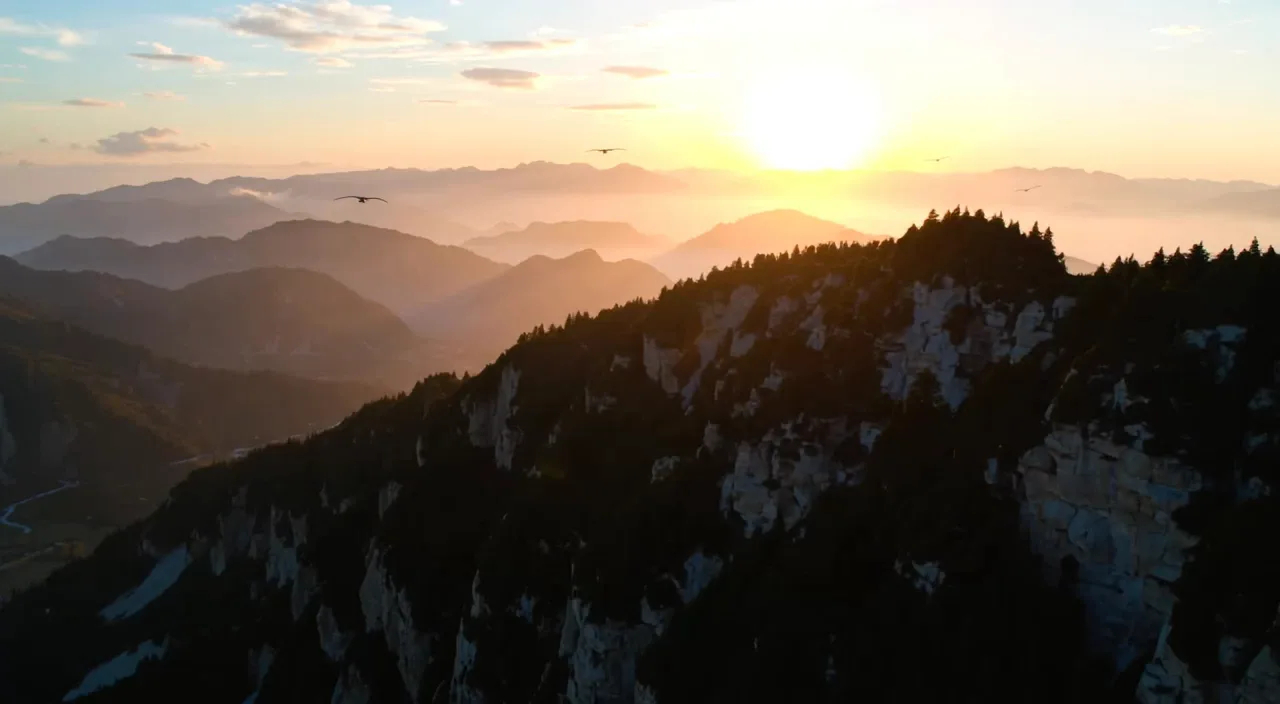
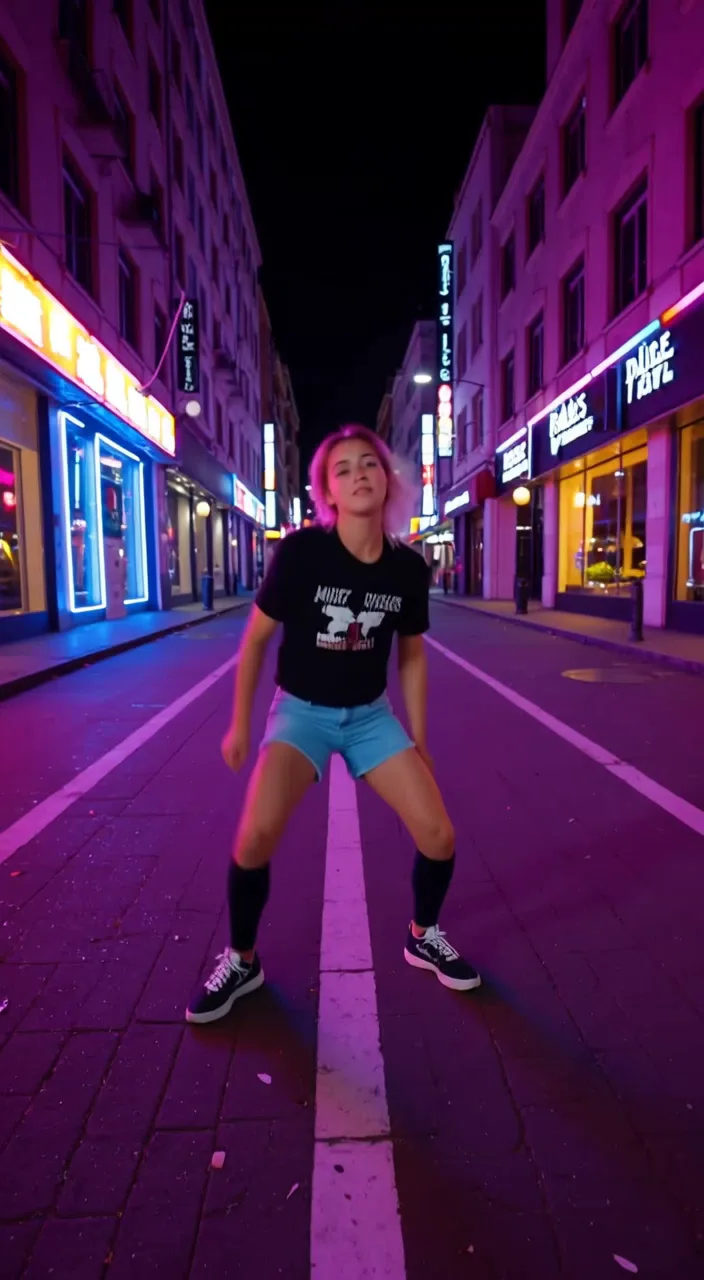
Short clips rendered with P Video, shown in the widescreen, vertical, and square formats you can choose in the generator.

Workflow
Describe the subject, setting, camera movement, lighting, mood, and any motion that must stay stable. A specific brief gives P Video a clear target and reduces retries.
Use text only, add a starting image for image-to-video, upload a portrait and audio for an avatar draft, provide a motion reference for Animate, or pair a source video with replacement references.
Pick an aspect ratio and choose 720p for fast iteration or 1080p for higher-quality drafts. Generation is billed by the second, so short tests stay inexpensive.
Preview the clip, keep the takes that work, and refine the prompt for the next version. Saved P Video generations stay in your library for comparison.
Formats & settings
Set the format that fits the destination, then scale quality when a draft is worth it. Full per-second rates live on P Video Pricing.
Switch between widescreen and vertical framing to match the destination — a feed post, a story, or a landscape pitch reel — without re-cropping afterwards.
Generate at 720p while you experiment, then re-run at 1080p once the direction is locked. You only spend the higher rate when a draft is worth it.
Every P Video workflow is priced per second of output, with clear rates for each mode. New accounts start with free P Video credits.
Prompting
A few habits make P Video clips converge faster and drift less, whichever mode you use.
Name the main subject first, then layer in setting, lighting, and mood. Front-loading the subject keeps the generation anchored on what matters most.
Add one clear camera instruction — slow push-in, static frame, gentle pan — instead of several at once. A single deliberate move reads cleaner in a short clip.
Describe the motion you want to stay stable as well as the motion you want to see. Calling out what should hold steady reduces drift in the final frames.
Run a 720p P Video draft, read what changed, and refine one variable at a time. Short, focused iterations converge faster than rewriting the whole prompt.
Use cases
Compare ideas, pitch motion, and test social formats in P Video before anyone opens a heavy timeline.
Pricing
Compare P Video credit packs and per-second rates on P Video Pricing. Credits do not expire, and generated works are retained in the library for 6 months.
FAQ
P Video is an independent online AI video generator for short clips. It brings text-to-video, image-to-video, avatar, image-animation, video-replacement, and instruction-editing workflows into one browser-based experience so you can draft, preview, and download short videos without local setup.
The launch includes the P Video AI Video Generator for text and image to video, P Video Avatar for talking-avatar drafts, P Video Animate for image animation, P Video Replace for source-video replacement drafts, P Video Edit for instruction-based video changes, and a pricing page that explains credits.
No. P Video runs entirely in the browser as an online product. You write a prompt or upload an image, choose your settings, and generate — there is no local model download or GPU setup for the online workflow.
New accounts receive 60 signup credits, and credits do not expire. You can use them to try text-to-video, image-to-video, avatar, replace, and animate workflows before buying a credit pack.
Generation is billed by the second, with a per-second credit rate for each workflow and resolution. You buy credits in packs, start with 60 free credits, and can compare every plan on the pricing page.
You can choose between 720p and 1080p output and switch aspect ratios to match social or widescreen destinations. Use 720p for quick iteration and 1080p when a draft is ready for a higher-quality pass.
Generated works are retained in your library for 6 months, so you can revisit, compare, and download earlier drafts while you iterate on a concept.
Depending on the tool you can start from a text prompt, a reference image for image-to-video, a portrait plus audio for avatar drafts, a motion reference for Animate, or a source video plus replacement reference images for Replace. The Replace page also offers Kling 3.0 Motion Control, which uses one character image and a motion video. Each choice surfaces only the inputs that match it.
No. NSFW, adult, exploitative, unlawful, and rights-infringing content is prohibited under the Terms of Service. You must hold the rights to any image, audio, or likeness you upload.